
TL;DR
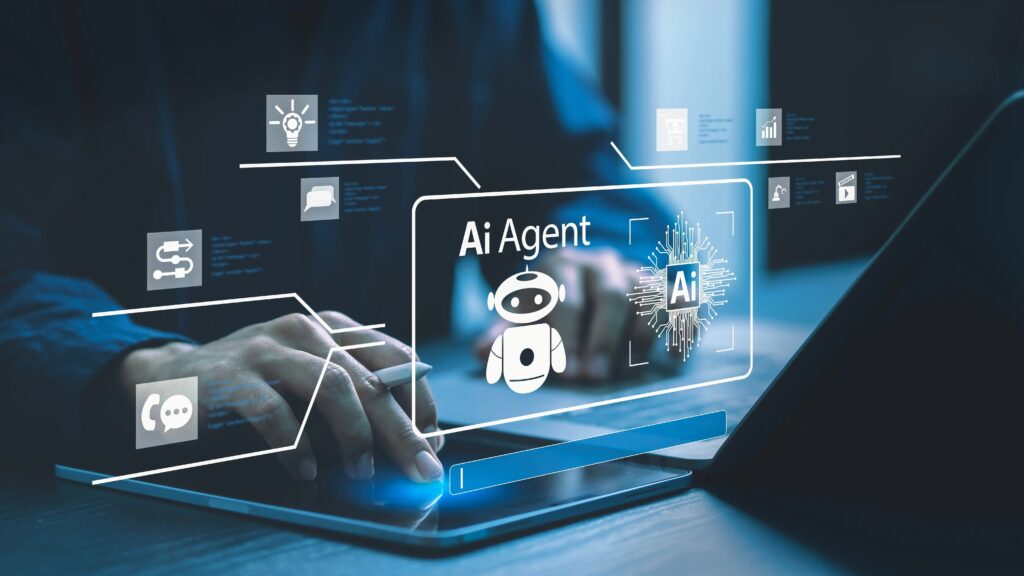
AI agents are software programs that can observe information, make decisions, and take actions on your behalf to complete tasks automatically. Unlike chatbots that only respond, AI agents can plan steps and act independently to achieve goals.
Table of Contents
Introduction AI Agents for Beginners: What They Are & How They Work
Your inbox has 247 unread emails. You’ve got three meetings to schedule across different time zones. And someone just asked you to research the top five project management tools by tomorrow.
Sound familiar?
This is exactly why AI agents are becoming the tech world’s new obsession. They’re not just another buzzword they’re a genuine shift in how software can work for you instead of waiting on you.
And here’s the best part: you don’t need a computer science degree to understand them.
In this guide, I’m breaking down AI Agents for Beginners: What They Are & How They Work behind the scenes, real examples you’re probably already using, and whether they’re as game changing (or risky) as everyone claims. Let’s get into it.
What Is an AI Agent? (Simple Explanation)
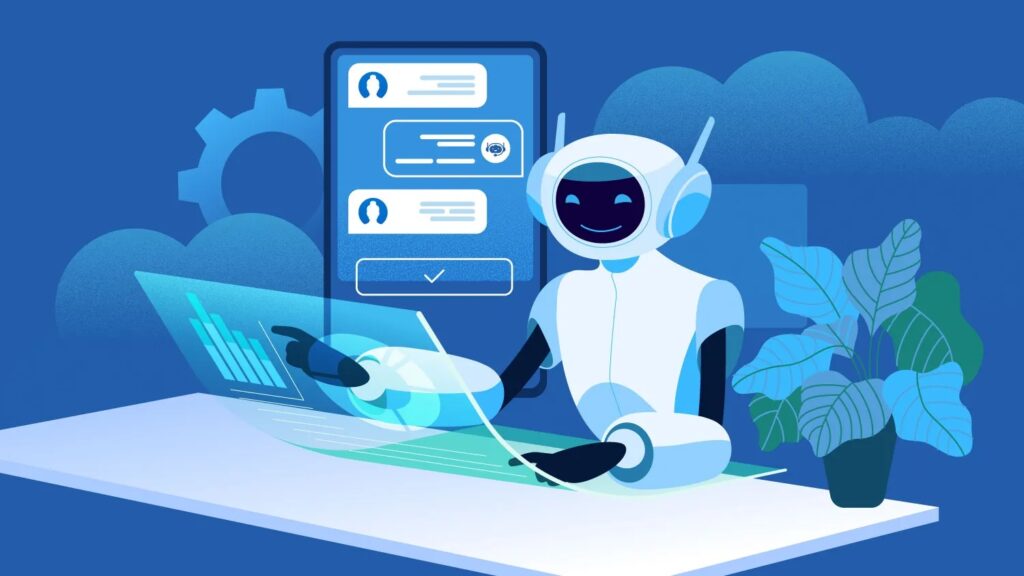
Quick answer: An AI agent is a type of artificial intelligence designed to act autonomously to complete tasks and achieve goals without constant human input.
Let me break that down in plain English.
The word “agent” is key here. Think about a real estate agent or travel agent they act on your behalf. They gather information, make decisions based on what you want, and take action to get results.
They do the same thing, but digitally.
They’re software programs that can:
- Observe what’s happening (reading emails, monitoring data, tracking changes)
- Decide what to do next (based on rules, goals, or AI reasoning)
- Take action automatically (sending messages, updating spreadsheets, booking appointments)
Here’s a simple analogy: if regular software is like a calculator that waits for you to press buttons, an AI agent is like a personal assistant who sees you’re low on groceries and adds items to your cart without you asking.
One important clarification AI agents are software, not robots. They live in apps, websites, and systems. No mechanical arms or glowing eyes involved.
How Do AI Agents Work? (Step-by-Step)
Quick answer: AI agents work by taking in information, deciding what to do next, and then performing actions automatically.
Let’s walk through the three core steps that make AI agents tick.
Step 1 – Input (What the Agent Sees)
First, the AI agent needs information. This could be:
- Direct instructions from you (“Schedule a meeting with Sarah next Tuesday”)
- Data it’s monitoring (stock prices, website traffic, customer messages)
- Goals you’ve set (“Keep my calendar organized” or “Alert me when this product goes on sale”)
Think of this as the agent’s eyes and ears. It’s constantly scanning for relevant information so it knows what’s happening and what you need.
Step 2 – Reasoning (How It Decides)
Once the agent has information, it needs to figure out what to do with it.
This is where the “intelligence” part comes in. The agent uses:
- Predefined rules (if X happens, do Y)
- Logic and reasoning (powered by AI models like GPT or similar)
- Your preferences and past behavior
For example, if you tell an AI agent to “send a follow-up email to everyone who didn’t respond,” it needs to:
- Check which emails got responses
- Identify who didn’t reply
- Decide when to send the follow-up
- Draft an appropriate message
All of this happens without you micromanaging every step.
Step 3 – Action (What It Does)
Finally, the agent does something. This is what separates it from tools that just give you information.
Actions might include:
- Sending emails or messages
- Updating databases or spreadsheets
- Scheduling appointments
- Making purchases
- Running reports
The key difference? You’re not clicking the buttons the agent is.
It’s like having an intern who doesn’t just research answers for you but actually executes the tasks you’d normally do yourself.
What Makes AI Agents Different From Normal AI Tools?
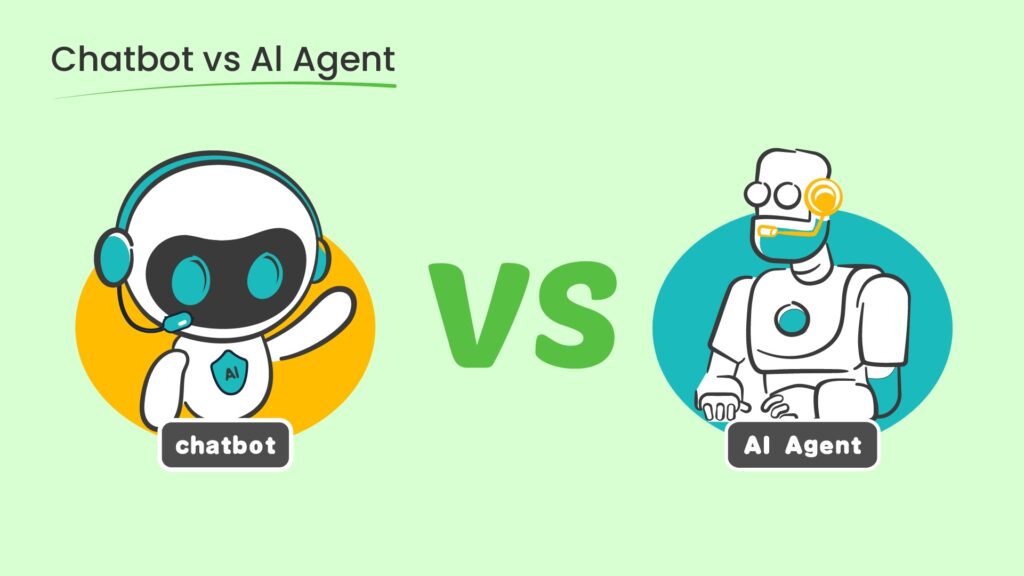
You might be thinking: “Isn’t this just ChatGPT with extra steps?”
Not quite. Here’s the difference:
Traditional software (like Excel or Gmail):
- Waits for your input
- Does exactly what you tell it, nothing more
- Requires you to execute every action
AI chatbots (like ChatGPT):
- AI Responds when you ask questions
- Generates text, ideas, or explanations
- Doesn’t take action outside the conversation
AI agents:
- Work independently toward a goal
- Make decisions on their own
- Actually do things in other systems
Think of it this way: a chatbot is like asking a librarian for book recommendations. An AI agent is like hiring someone to read the books, take notes, and email you a summary every morning.
The magic is in the autonomy and action.
👉 Want a deeper comparison? Check out: [AI Agents vs ChatGPT: Why One Thinks and the Other Acts]
Real-World Examples of AI Agents
Okay, enough theory. Let’s talk about AI agents you can actually use (or might already be using without realizing it).
Personal AI Agents
Email management agents
Tools like SaneBox or Gmail’s Smart Reply don’t just filter spam they learn which emails matter to you, prioritize your inbox, and can even draft responses automatically.
Imagine waking up to an inbox where the important stuff is already sorted, follow-ups are drafted, and newsletters are filed away. That’s an AI agent at work.
Scheduling agents
Ever used Calendly or x.ai? These are AI agents that handle the back-and-forth of finding meeting times. They check your calendar, compare availability with others, send invites, and handle rescheduling.
No more “Does 2pm work for you?” email chains that take three days.
Task automation agents
Platforms like Zapier or Make let you build simple AI agents without coding. For example: “Every time someone fills out this form, add them to my CRM, send a welcome email, and notify my team in Slack.”
That’s five manual steps reduced to zero.
Business AI Agents
Customer support agents
Companies use AI agents to handle common customer questions 24/7. These aren’t just basic chatbots they can check order status, process returns, and escalate complex issues to humans when needed.
Think of it as a support team that never sleeps and can handle hundreds of conversations simultaneously.
Data monitoring agents
Financial firms use AI agents to monitor stock prices, news, and market trends. When certain conditions are met (like a stock dropping 5%), the agent alerts the right people or even executes trades automatically.
It’s like having a analyst watching the markets around the clock.
Workflow automation agents
Some companies use AI agents to coordinate entire workflows. For example: when a sales deal closes, the agent creates a project in the management tool, assigns tasks to team members, generates contracts, and schedules a kickoff meeting.
All triggered by one event.
Everyday Tech Examples
Smart assistants
Siri, Alexa, and Google Assistant are AI agents. They don’t just answer questions they set reminders, control your smart home, make calls, and integrate with dozens of apps.
You say “remind me to call Mom when I get home,” and the agent monitors your location and triggers the reminder automatically.
Recommendation systems
Netflix, Spotify, and Amazon use AI agents to track what you like and serve up suggestions. They’re constantly learning from your behavior and adjusting recommendations without you asking.
That “Discover Weekly” playlist? An AI agent built it for you based on your listening habits.
What Can AI Agents Do Today?
Let’s get practical. Here’s what AI agents can realistically handle right now:
- Automate repetitive tasks – Data entry, report generation, email sorting, social media posting
- Monitor information 24/7 – Track prices, news, system alerts, customer feedback
- Make basic decisions – Prioritize tasks, route support tickets, approve simple requests
- Coordinate multiple steps – Booking travel (flights + hotels + car), managing project workflows
Notice I said “basic decisions” and “repetitive tasks.” We’re not talking about AI agents running your entire business or making strategic calls.
They’re incredibly useful for things that follow patterns and rules. They’re not (yet) good at nuanced judgment, creativity, or handling completely novel situations.
Benefits of AI Agents
Why are people so excited about AI agents? Here’s what they bring to the table:
Saves time
The most obvious benefit. If an AI agent can handle your calendar, emails, and routine tasks, you get hours back each week to focus on work that actually requires your brain.
Reduces human error
AI agents don’t get tired or distracted. They won’t forget to send that follow-up email or accidentally skip a step in a process. Consistency is their superpower.
Scales productivity
One person with AI agents can do the work of a small team. You can monitor dozens of data sources, respond to hundreds of inquiries, and manage complex workflows simultaneously.
Works continuously
Unlike humans, AI agents don’t need sleep, lunch breaks, or vacations. They can monitor systems and respond to events 24/7, which is invaluable for time-sensitive tasks.
Here’s a real example: A friend of mine runs an online store. She uses an AI agent to handle customer questions about shipping and returns. It freed up 15+ hours a week that she now spends on product development and marketing.
That’s the promise of AI agents not replacing what you do, but handling the stuff that gets in the way of what you do best.
Risks & Limitations of AI Agents
Okay, time for some real talk. AI agents aren’t perfect, and it’s important to understand the risks before going all-in.
Mistakes and hallucinations
AI agents can make errors. They might misinterpret instructions, make incorrect assumptions, or (in the case of language-model-powered agents) confidently provide wrong information.
For example, an email agent might send a message to the wrong person, or a scheduling agent might double-book you because it misread your calendar.
Security and privacy concerns
AI agents often need access to sensitive information your emails, financial data, customer records, etc. If the agent is compromised or poorly designed, that’s a serious security risk.
Always check what permissions an AI agent requires and whether the company behind it has strong security practices.
Over-reliance on automation
There’s a real risk of trusting AI agents too much. You might stop double-checking their work, and small errors can compound into bigger problems.
I’ve seen people lose track of their own systems because they delegated everything to agents without maintaining oversight.
Why human oversight still matters
AI agents are tools, not replacements for human judgment. They’re great for routine tasks and following rules, but they lack context, empathy, and strategic thinking.
You still need to:
- Review important decisions
- Step in when things get complicated
- Adjust the agent’s instructions as your needs change
Think of AI agents as really capable interns. They can handle a lot, but you wouldn’t let an intern make major decisions without your input.
Are AI Agents Replacing Humans?
This is probably the biggest concern people have, so let’s address it head-on.
Short answer: No they assist, not replace.
AI agents are designed to handle specific, repeatable tasks so humans can focus on higher level work. They’re not taking over jobs; they’re changing what jobs look like.
Here’s the difference between augmentation and replacement:
Augmentation (what’s actually happening):
- A customer service rep uses an AI agent to draft responses faster
- A manager uses an AI agent to pull reports so they can analyze them
- A marketer uses an AI agent to schedule posts so they can focus on strategy
Replacement (what people fear but isn’t happening much):
- The AI agent does everything, and the human is no longer needed
The reality is that AI agents are best at tasks that are repetitive, rule-based, and data-driven. They struggle with:
- Creative problem-solving
- Emotional intelligence
- Strategic thinking
- Handling unexpected situations
Think of AI agents like Excel. When spreadsheets became widespread, they didn’t eliminate accountants—they made accountants more productive by automating calculations so they could focus on analysis and strategy.
Same concept here.
Do You Need Coding Skills to Use AI Agents?
Great news: No, you don’t need to code.
There are plenty of no-code and low-code platforms that let you build and use AI agents with just a few clicks.
Beginner-friendly platforms:
- Zapier – Connect apps and automate workflows (e.g., “when I get an email attachment, save it to Google Drive”)
- Make (formerly Integromat) – Similar to Zapier but with more visual control
- IFTTT – Simple if-this-then-that automation for everyday tasks
- Notion AI – Built-in AI features for note-taking and task management
- Microsoft Copilot – AI assistance directly in Office apps
These tools use visual interfaces where you drag, drop, and configure—no programming required.
When coding is useful (but optional):
If you want to build custom AI agents or integrate them deeply into your own systems, coding helps. Languages like Python and tools like LangChain make it easier to create sophisticated agents.
But for most people? The no-code tools are more than enough.
Conclusion
AI agents are more than just hype they’re a practical evolution in how software can work for us.
To recap AI Agents for Beginners: What They Are & How They Work: AI agents are autonomous programs that can observe information, make decisions, and take action on your behalf. Unlike chatbots that just respond, they can plan multi-step tasks and execute them independently.
They’re already handling emails, scheduling meetings, automating workflows, and monitoring data 24/7. And while they’re not perfect (mistakes happen, security matters, and human oversight is still crucial), they’re genuinely useful for saving time and scaling productivity.
The best part? You don’t need to be a developer to use them. No-code tools make it easy to start small and experiment.
If you’re curious about AI agents, try one out. Set up a simple automation, use a smart assistant for something new, or explore what’s possible with tools like Zapier.
The technology is here. The question is: what will you delegate first?
👉 Want to go deeper? Explore: [How AI Agents Actually work] and [AI Agents vs ChatGPT: What’s the Difference?]
What is an AI agent in simple terms?
An AI agent is a software program that can work independently to complete tasks on your behalf. It observes information (like your emails or calendar), decides what actions to take based on goals or rules, and then executes those actions automatically
How are AI agents different from ChatGPT?
ChatGPT is a conversational AI that responds to your prompts with text but it doesn’t take action outside the chat. AI agents, on the other hand, can interact with other systems, make decisions, and execute tasks automatically.
Are AI agents safe to use?
Generally, yes but it depends on the agent and how you use it.AI agents often need access to sensitive data (emails, calendars, financial info), so always check what permissions they require and review privacy policies.
- Best AI Tools for Beginners 2026 Guide

- Are Paid AI Tools Worth It? Honest Comparison 2026

- AI Writing Tools That Don’t Sound Like AI (2026)

- How to Choose an AI Tool In 2026 Beginner’s Guide

- 20+ Best Free AI Tools for College Students (2026)

- Best Free AI Video Generators In 2026

Leave a Comment